Ripping Tapes
|
By: Paul S Cilwa |
Posted: 8/15/2017 |
|
Page Views: 3,746 |
| Hashtags: #Music #Ripping #Tapes #ReeltoReeltapes #Cassettetapes |
| A quick tutorial on how to rip tracks from your own reel-to-reel, cassette, and 8-track tapes. |
| Estimated reading time: 7 minute(s) (1643 words) |
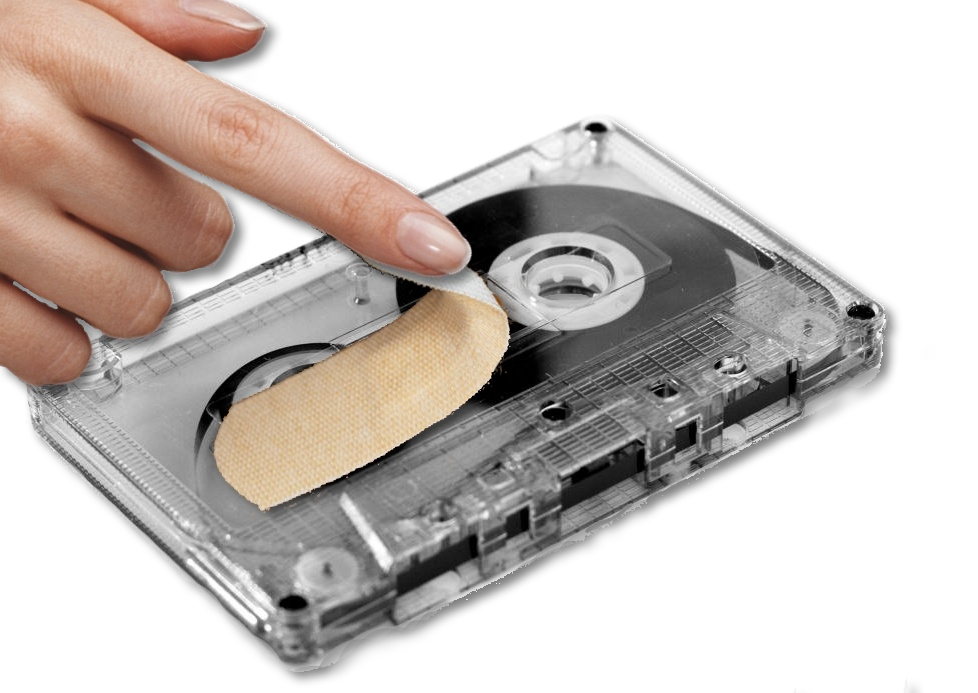
The final frontier, so to speak, of ripping your analog music sources, is tape—or, more broadly,
any source that produces a "Line Out" signal that you used to have to plug into an amplifier, but
can now (with the appropriate patch cable) be plugged directly into your computer's "Line In" jack.
The actual recording/digitizing will be done with Audacity, whose use I've previously described for use with
tracks taken from vinyl; the basic usage of the application is the same, of course; but digitizing from
tape has special challenges of its own. Tapes, for starters, do not include surface noise like records; but
they are (especially in the form of cassettes and 8-tracks) prone to "tape hiss".