Digital Music Formats
|
By: Paul S Cilwa |
Posted: 8/25/2017 |
|
Page Views: 5,397 |
| Hashtags: #Music #Ripping #Audiofileformats |
| MP3s, MV4s, and FLACs--oh, my! |
| Estimated reading time: 14 minute(s) (3199 words) |
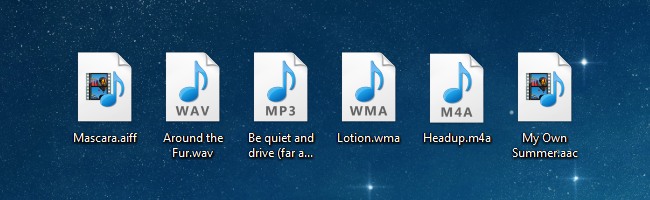
It's hard to believe, but the first personal computers could not play music;
could not make any sounds at all other than a helpful beep! when powering up. Yet, in 2017,
I not only play music on my desktop computer, but on my smartphone (which is also a computer). While
I do own traditional devices (a turntable, a cassette deck, etc.), I only use them to rip the
contents into digital files…because that has become the common denominator that allows me to
create a playlist that includes Sam Smith, Sammi Smith, Kate Smith, Bessie Smith, and Patti Smith
(all from different decades) one after the other. Try that with an automatic turntable!