|
By: Paul S Cilwa |
Occurred: 5/1/2024 |
|
Page Views: 439 |
| Hashtags: #Autobiography #Art #DigitalArt #Photography |
| My new digital paintbrush. |
| Estimated reading time: 8 minute(s) (1812 words) |
Original

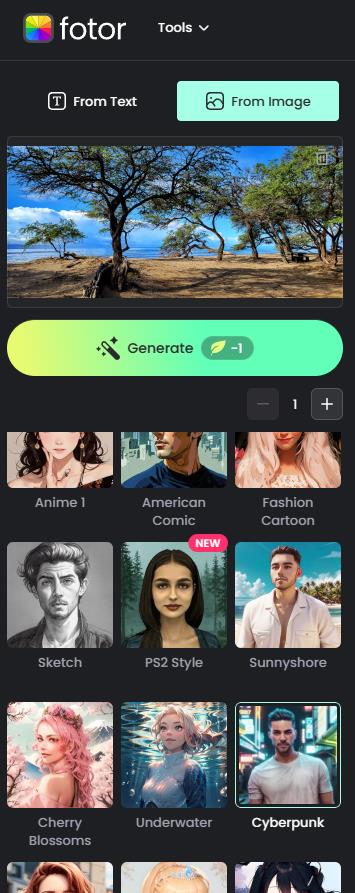
Here's my original photo. I intentionally chose one that had no
people in it, as I know faces are often processed independently of
the photo as a whole. In case you're wondering, this was taken at
Maui's Papalaua Beach in 2020.
AI image processing, at its core, involves a blend of advanced algorithms,
neural networks, and data processing to analyze, interpret, and manipulate
digital images. It all starts with gathering a large dataset of labeled images.
These images are then preprocessed, which may include resizing, normalization,
and data augmentation to ensure consistency and improve the performance of the model.
This is called training. If you train on thousands of comic book panels, you'll
get a model similar to Fotor's American Comic
. If you train on thousands of
images from a computer game, you'll get a model that wants to create images
in the style of that game (similar to Fotor's PS2 Style
or Sunnyshore
.
Feature Extraction is where Convolutional Neural Networks (CNNs) come into play.
CNNs are a type of deep learning architecture that automatically learns and extracts
hierarchical features from images. They can identify patterns, shapes, and textures
that define the style of a particular artist, like Van Gogh, or Banksy.
Once trained, the model can apply the learned style to new images. This process
is known as style transfer. When you provide your original image and
ask for, say, a Van Gogh style, the AI applies the patterns it learned from Van Gogh's
paintings to your image.
Some image-to-image processes, including Fotor, use
Generative Adversarial Networks (GANs), where two neural networks work in tandem.
One network generates the new image, while the other evaluates it against the original
style target. They keep going back and forth until the generated image closely matches
the desired style.
The result is a new image that retains some aspect of the content or form of the original,
but reflects the artistic style or other requirements you provide.
3D Cartoon 1
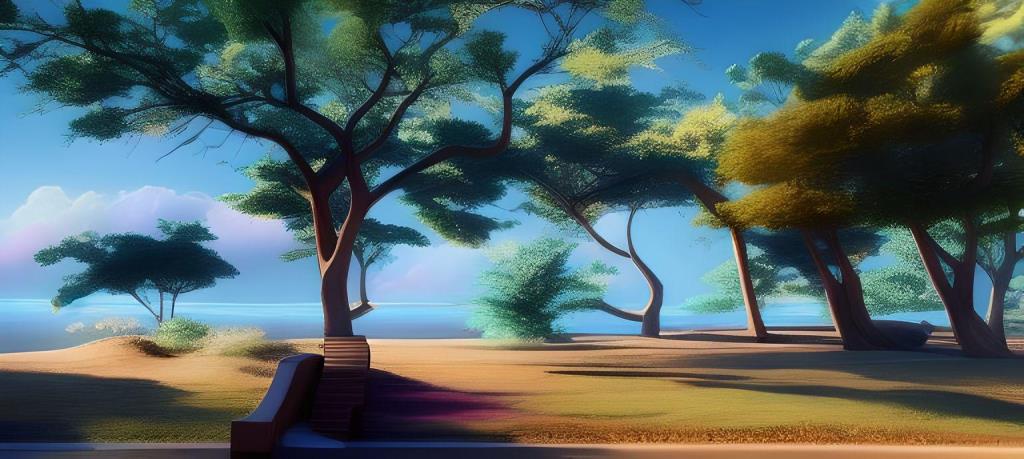
So let's take the pre-trained models in alphabetic order (and,
remember, Fotor can add or remove models at their discretion, so my list may not match
exactly what you see when you log in to Fotor). Here's
the first, 3D Cartoon 1. I find it interesting which picture
elements get altered: For example, the center-left tree root looks
like some kind of table.
3D Cartoon 2
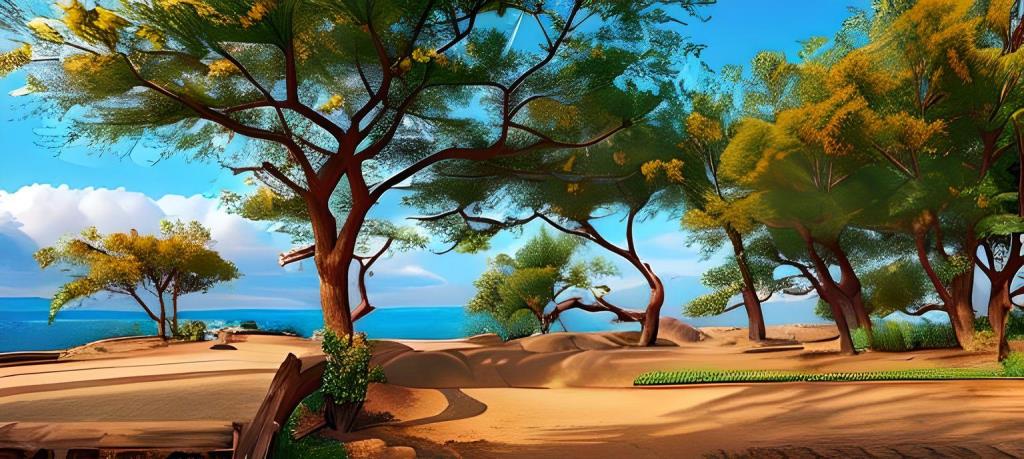
Presumably, 3D Cartoon 2 is the same as 1, but with more
training? Or perhaps training on newer 3D cartoons?
American Comic
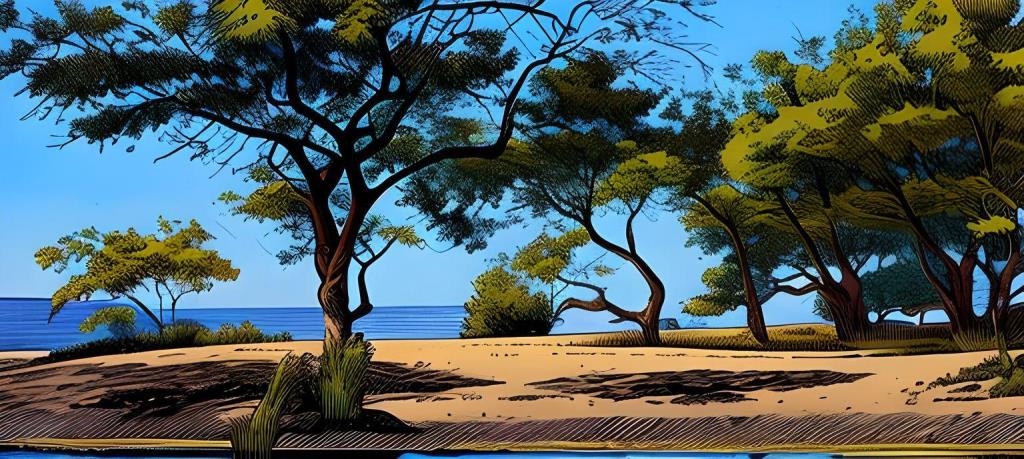
This style does, at first glance, look very authentically comic book
style. But one reason I choose the original image was the ocean and
the horizon, since I know a lot of AIs have a problem rendering a
consistent horizon line. If I were serious about putting this image
in a comic book, I would definitely have some editing work to do,
first!
Anime 1
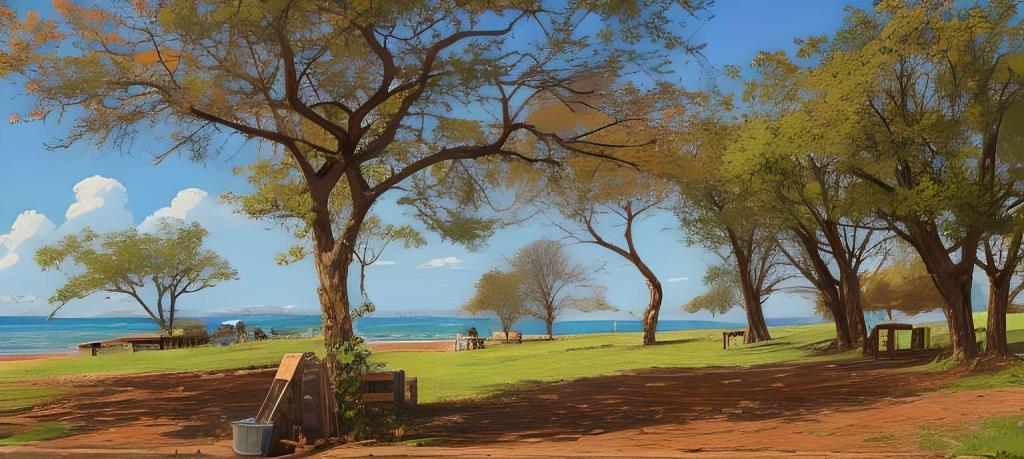
This works, mostly, as an anime scene. Again, some fixable horizon
problems. (Also, remember it's customary to generate as many as six
images at a time to select the best; I just did one as a sample.)
Anime 2
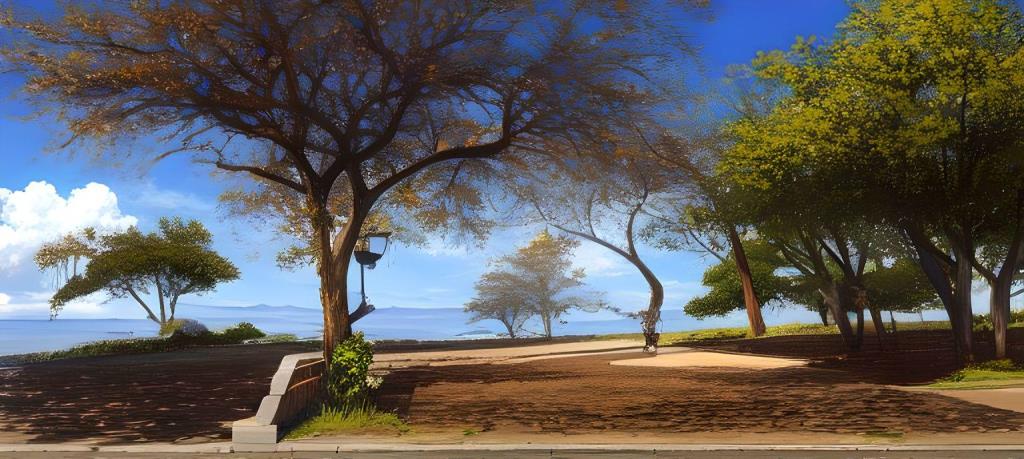
The second iteration of this model does produce a more complex image.
Horizon is still wonky, though.
Baby Filter
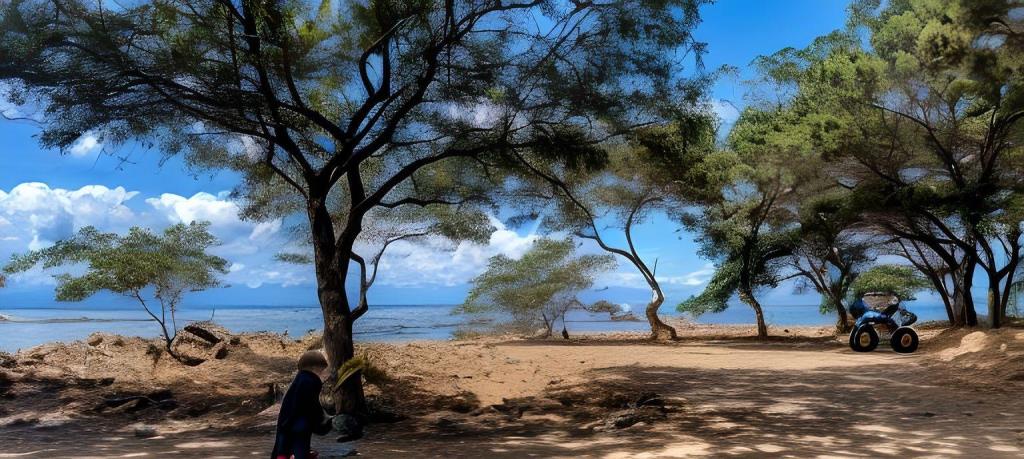
This filter, along with Be Old and Be Young, seem to only generate
different images when a face is part of it, because that's what the
model mostly works on.
Barbie

I assume this model was trained on scenes from the movie.
Be Old
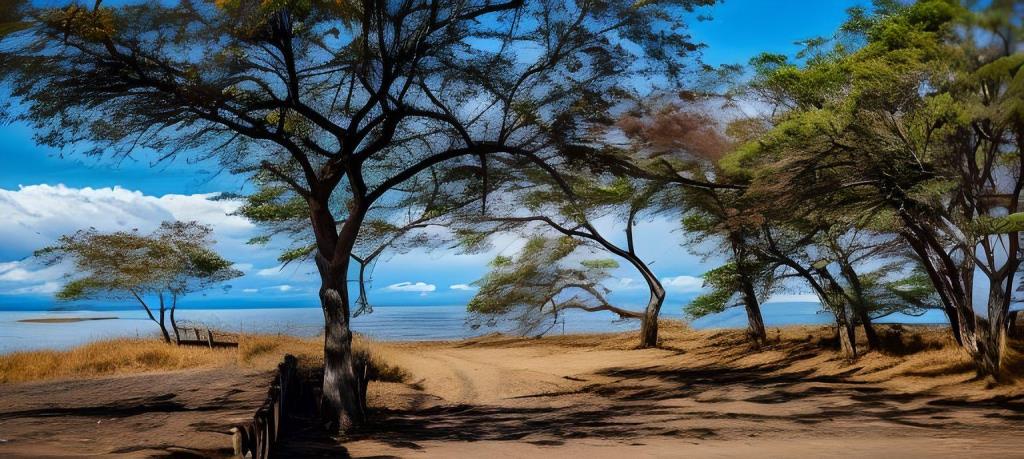
Without a human in it, the Be Old style created a nice
painting. However, the horizon…
Be Young

This is the first model we've come to in which the horizon is
consistent!
Cartoon Self
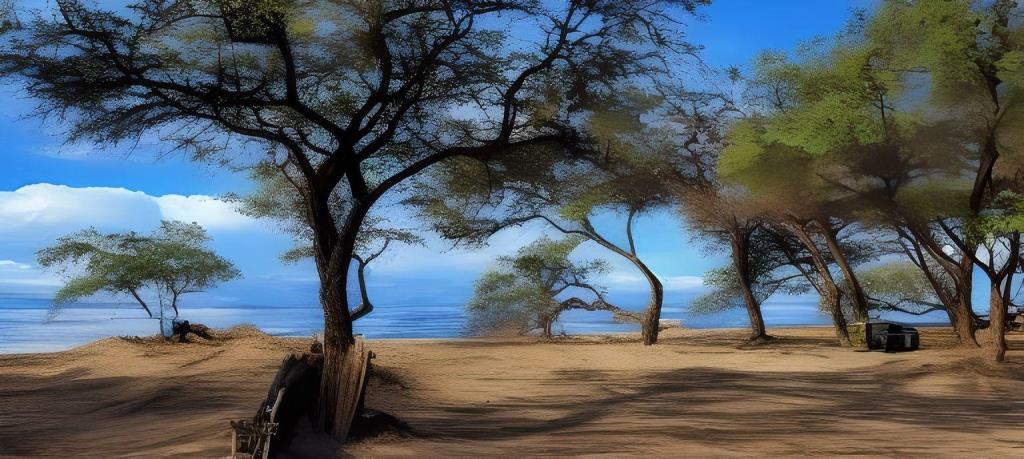
Well, the horizon isn't too bad. It doesn't look all that cartoony;
probably this is another model that focuses on modifying the face.
Cherry Blossoms
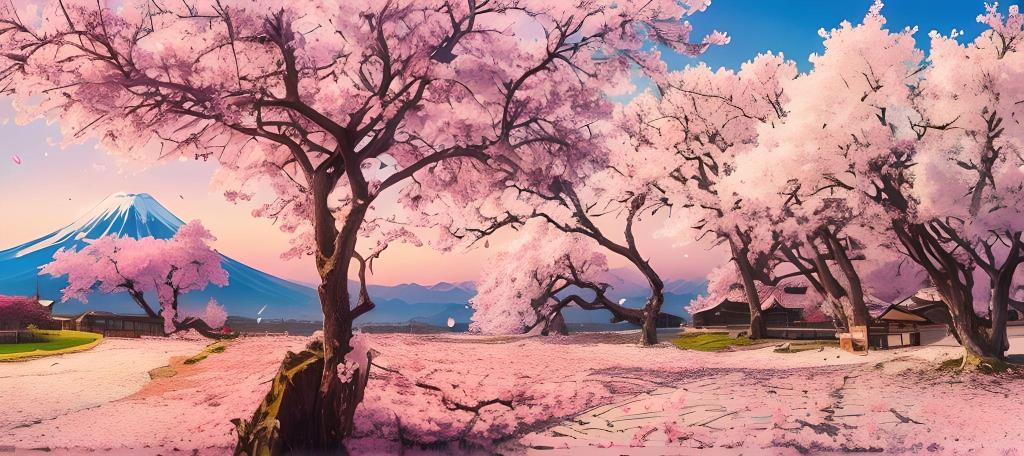
I love that this model threw Mt Fuji in! Yes, it is only slightly
similar to my original, but I do like it as an image.
(There's a truism that goes, A computer can generate a thousand images
in a second, but it can never tell you which one it likes best.
)
Obviously, this would be a
specialty model. But if you happen to be working on some promotional
brochures for Japan…!
Christmas 1
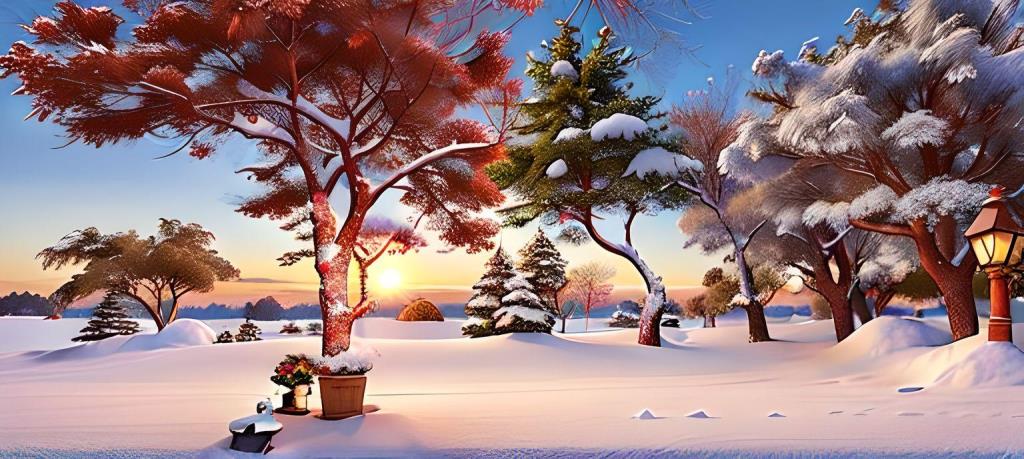
There are actually six Christmas-themed models in Fotor! As
with Cherry Blossoms, only the most general aspects of my original
composition are retained. I didn't bother trying all six models.
Cyberpunk
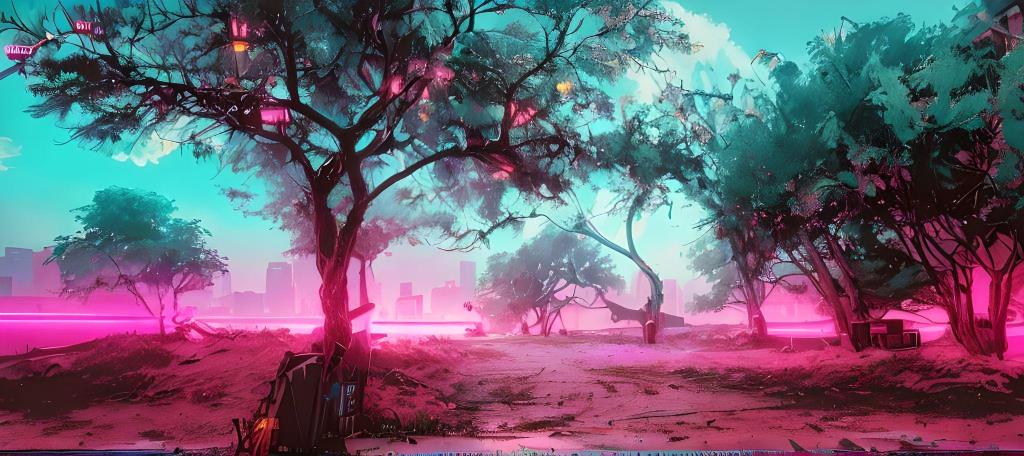
Again, if you are just trying to make some original photos for a
cyberpunk project, this would be the model to use. It's probably not
very useful otherwise.
Fairytale
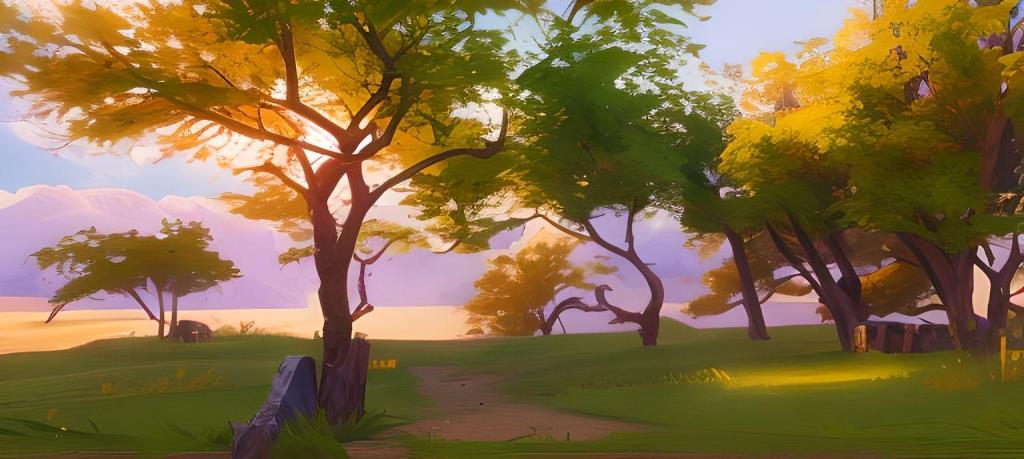
My daughter is also an author, of children's books; this would be the
sort of model she could use for her illustrations.
Fashion Cartoon
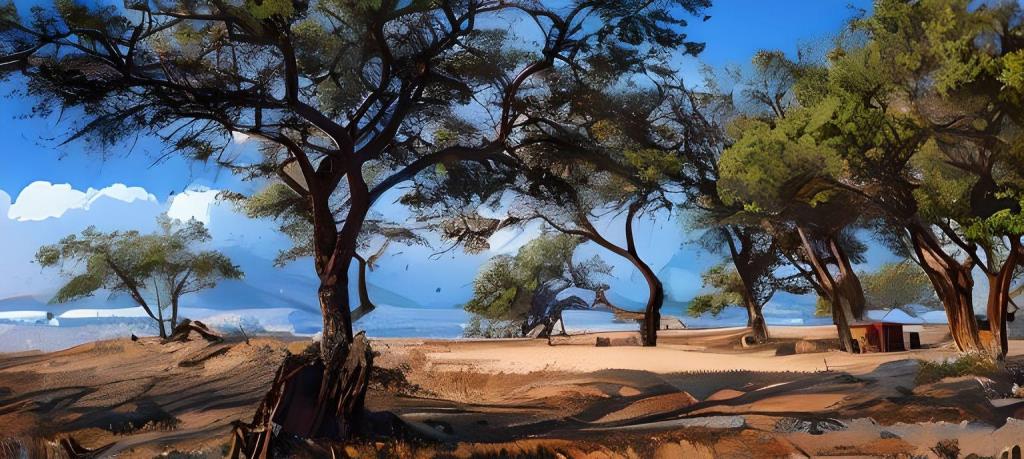
I'm not even sure what a fashion cartoon is…all I could
think of was Betty Boop and this is definitely not that! But I kind
of like the mixture of abstract and commonplace. And the horizon is
consistent, so there's that!
Game Art Style
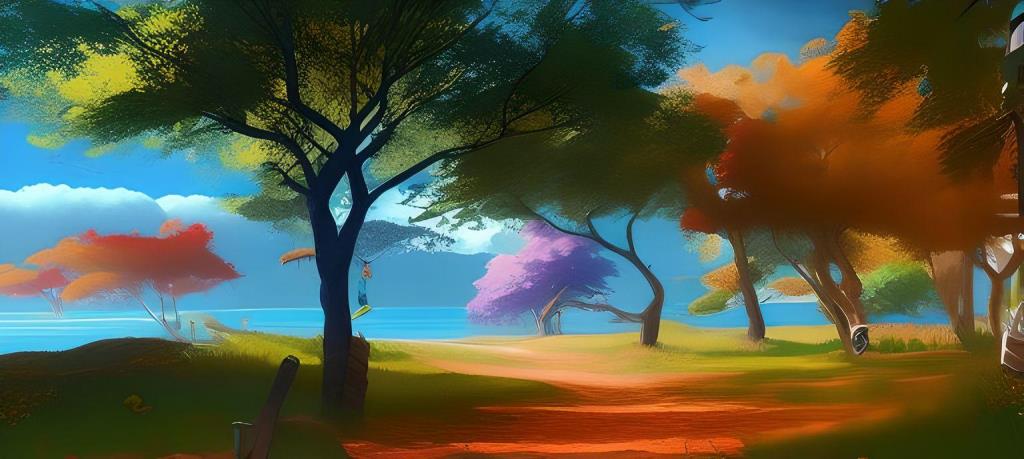
I'm guessing this is an older model. The varicolored trees are an
interesting modification.
Illustration Art
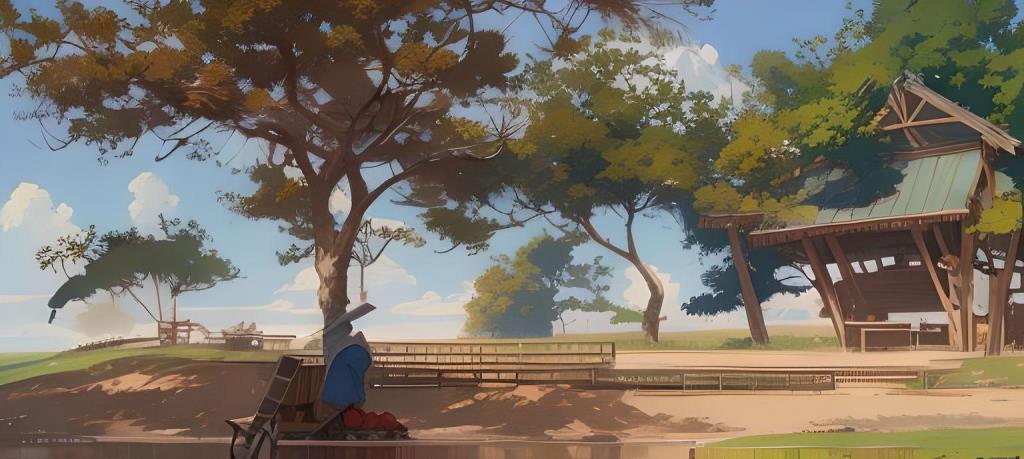
I was hoping this one would give a more faithful rendition of the
original, and instead it added the most feature hallucinations of any of them!
AI is new and terminology is still evolving. But feature hallucination
is the usual term for when the neural network generates features in the
new image that were not present in the original content image or the style reference.
Feature hallucinations can happen for several reasons:
- Overfitting:
The model may have been trained too well on specific features of
the style images, leading it to see
those features even when they're not there.
- Data Bias:
If the training data has a lot of images with certain objects,
like buildings or dolls, the model might learn to include them as part of the style.
- Complexity of Style Transfer:
The algorithms are trying to match textures and
patterns from the style image to the content image, and sometimes they can over-interpret
the patterns and create new elements.
It's a fascinating area of AI research, as it touches on how neural networks perceive
and recreate images, often leading to creative and unexpected results.
Ken

Since there's a Barbie
model, of course there's a
Ken
! Personally, I loved the movie but these models are, in my
opinion, a waste of time, unless you have a very specific
need.
PS2 Style
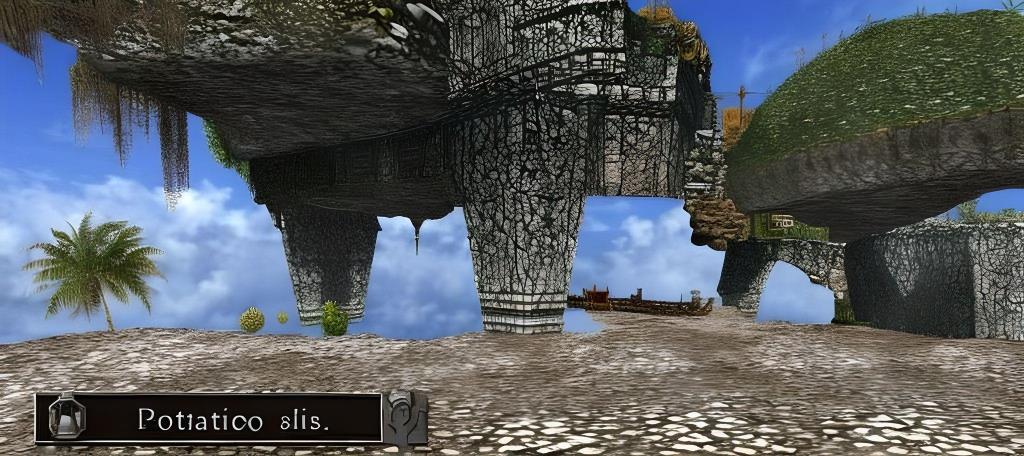
Likewise with this model. In photos with people in them, this model
isn't too bad. But this is…just weird.
Sketch
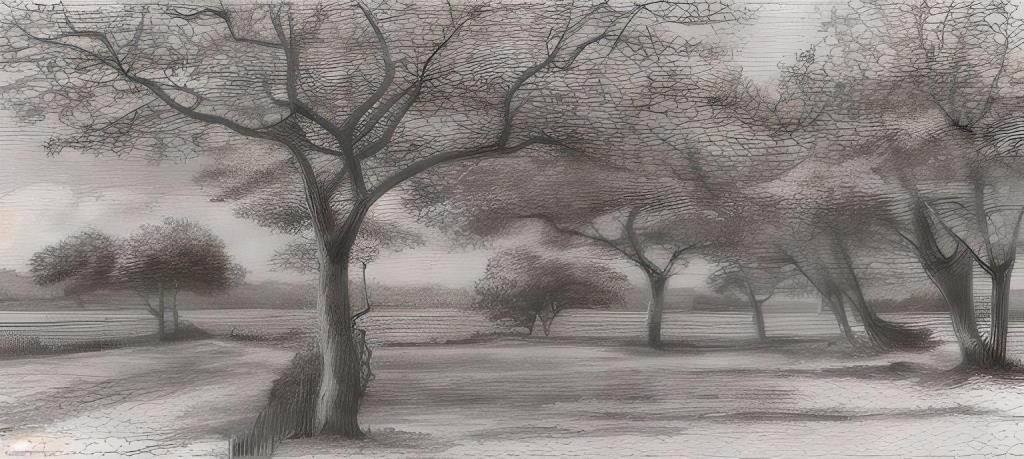
Of course, in the real world, a sketch is something you throw
together to guide you in creating the final piece. This is the
opposite, since it was rendered from a finished piece. Still,
if I were art director of a movie and a character needed a sketch of
a finished work seen later in the film, this would be a very
efficient way to create the prop.
Sunnyshore
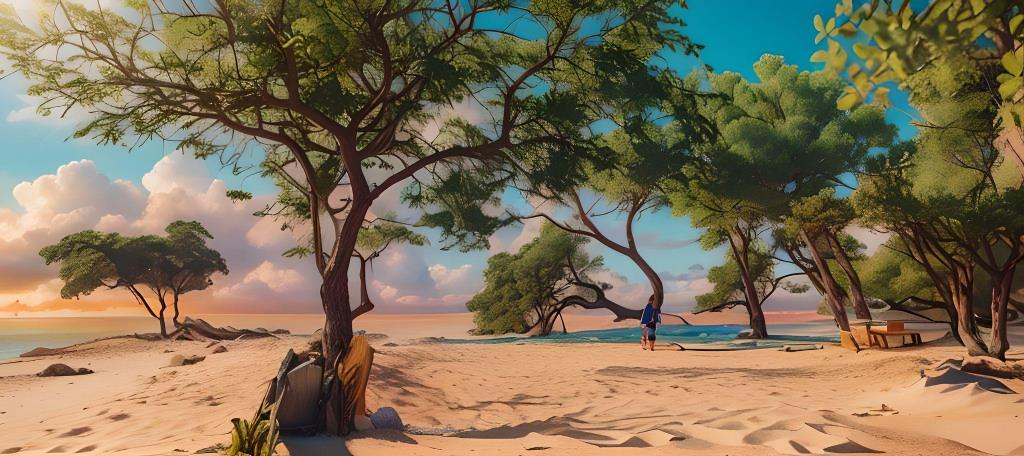
There's a game called Sunnyshore, and this was rendered using a model
trained on its images. I suspect the reason they use so many
game-based models is the artwork is easy to generate, isn't
copyrighted (because it was generated on the fly, not created by a
person), and lots of users will recognize the game and know the
style.
Underwater
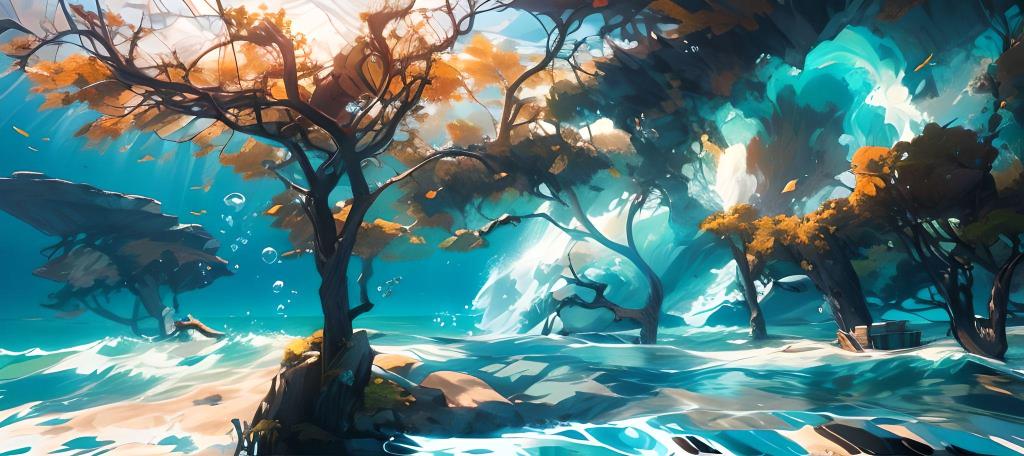
This model provides a very interesting take on the original image. I
could see myself printing this one to canvas.
Zombie
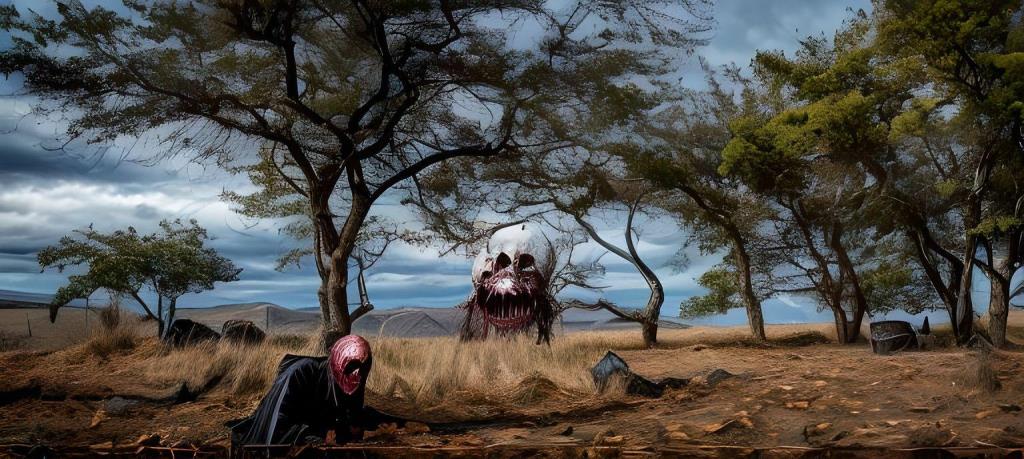
I expected this model to do nothing since it seemed like a
face-modifier. But, no, it zombified the environment! Cute but of
limited use to me.
Having run through the pre-trained models, I then turned to the
Customize button. This allows you to describe styles of your own,
provide details, and even specify a percentage of similarity between
the input image and the result.
Van Gogh, 90%
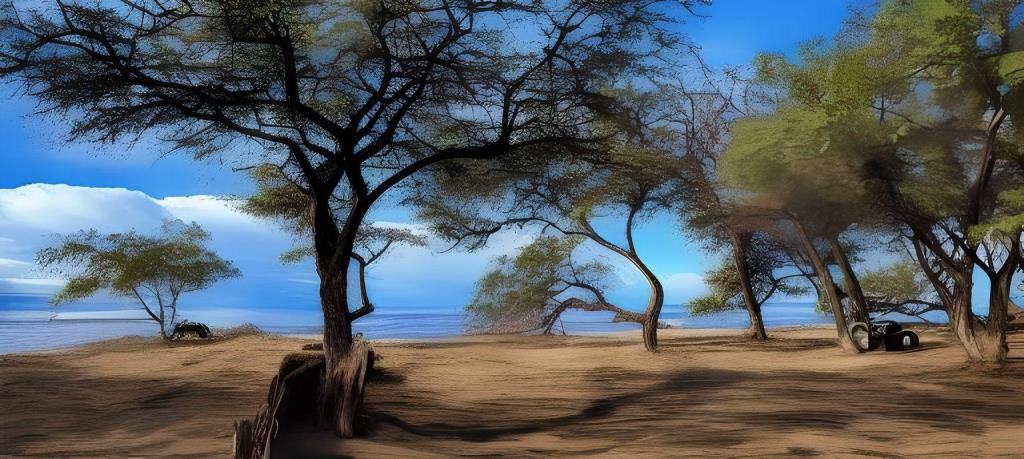
My customize prompt for this
was, simply, In the style of Van Gogh. And I set it to 90%
similarity. It is, in fact, very similar to my original.
Van Gogh, 50%
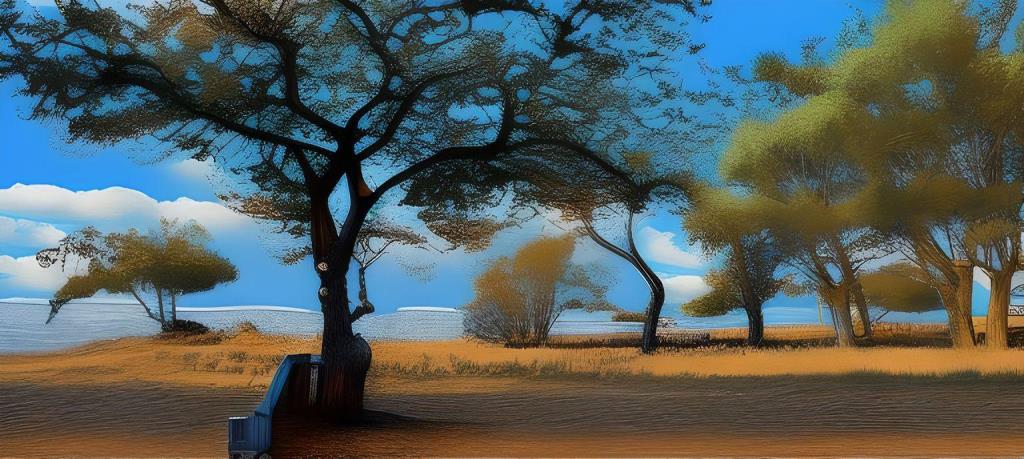
At 50%, the image looks much more painterly. I can't say it screams,
Van Gogh!
but, printed on canvas, it might sell.
Van Gogh, 20%
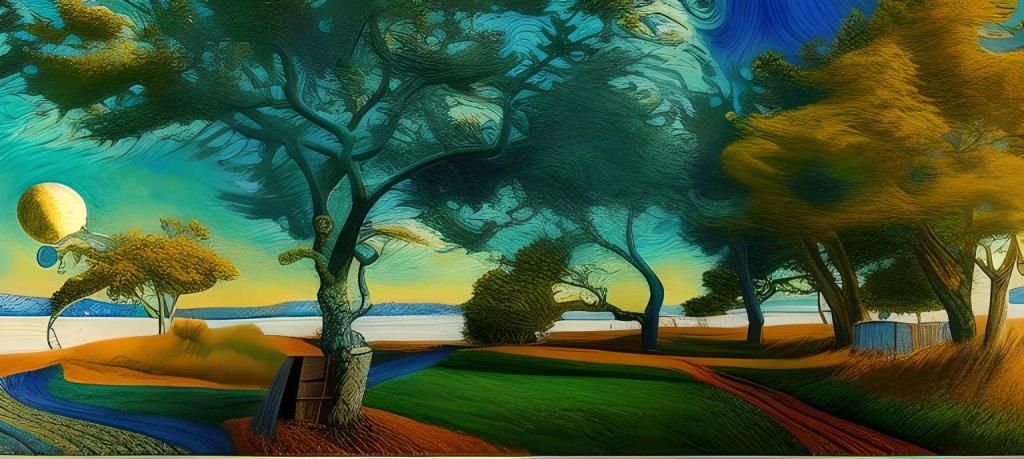
However, at 20% (which was Fotor's recommendation, anyway), the Van
Gogh style starts to come through. However, I'm less convinced he would
have chosen this as a subject.
Grandma Moses
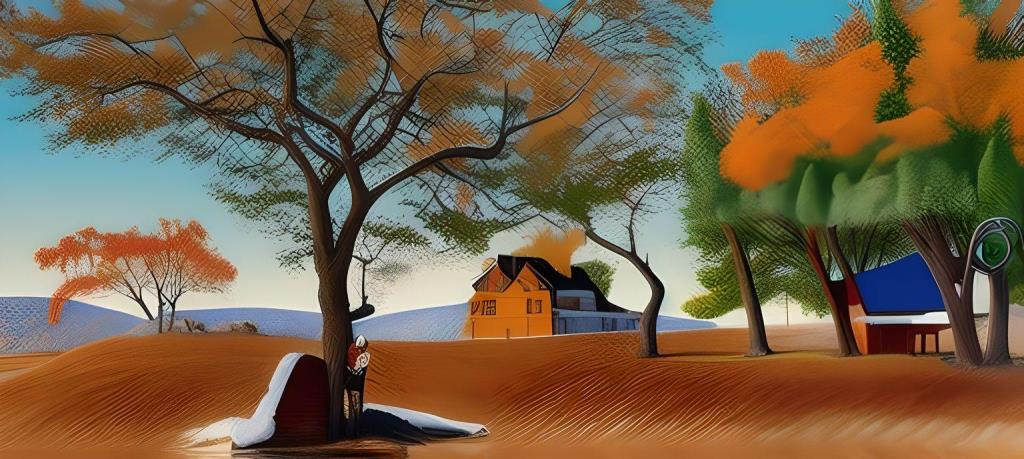
So then, sticking to the 20%, I plugged in names of artists I could
think of off-hand.
Leonardo da Vinci
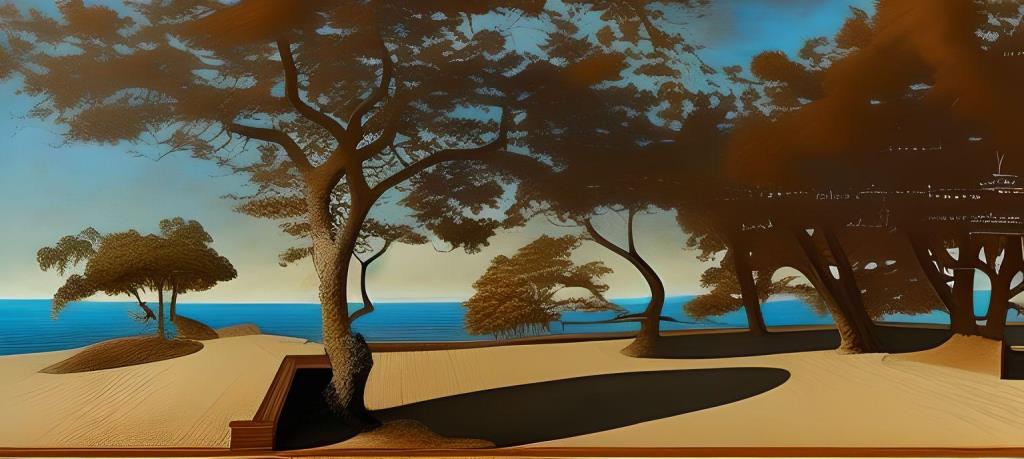
I guess it kind of looks like Leonardo's painting style. But I'm
tickled at the notes in his handwriting at random across the canvas!
Matthew Parrish
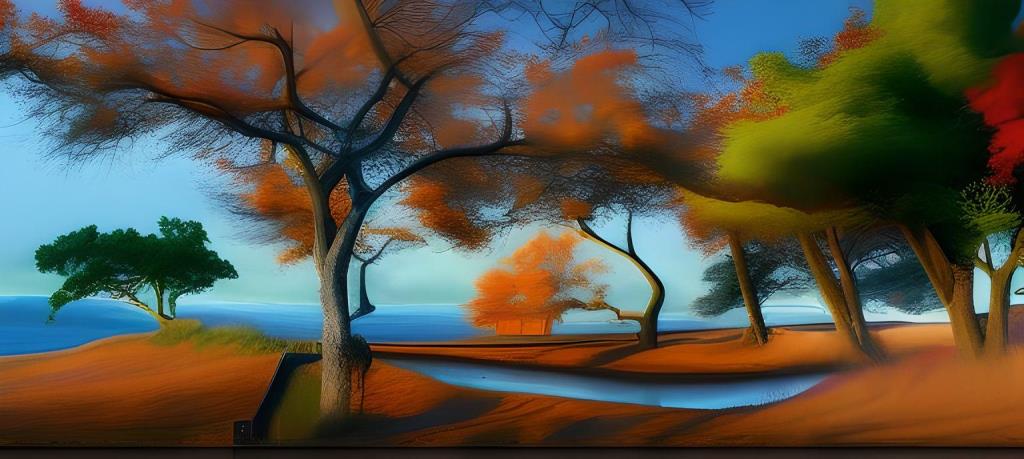
I'm not sure this is really Matthew Parrish's style. Actually, I'm
not certain there was ever an artist by that name. Maybe I'm confusing a
real artist with Matthew Perry. Whatever.
Picasso
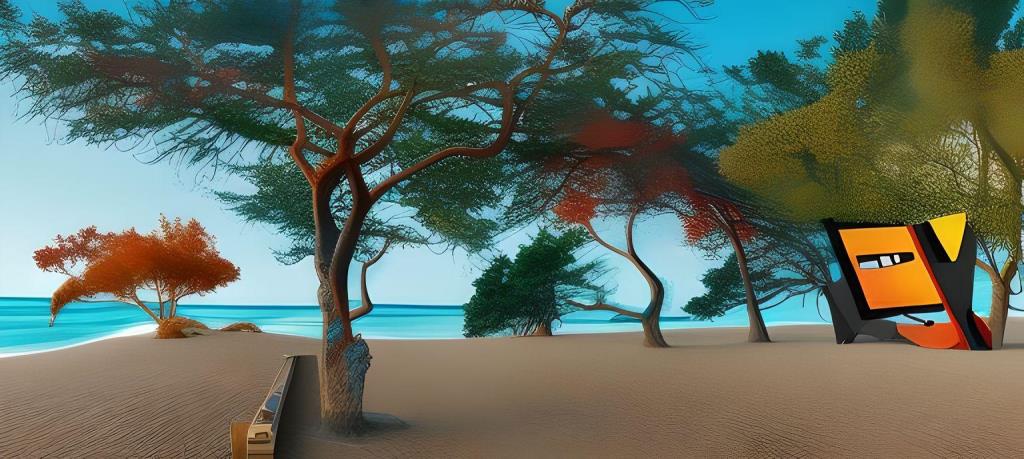
I doubt Picasso would have contented himself with one weird thing in
the environment. Also, what the heck is that thing?!
Banksy
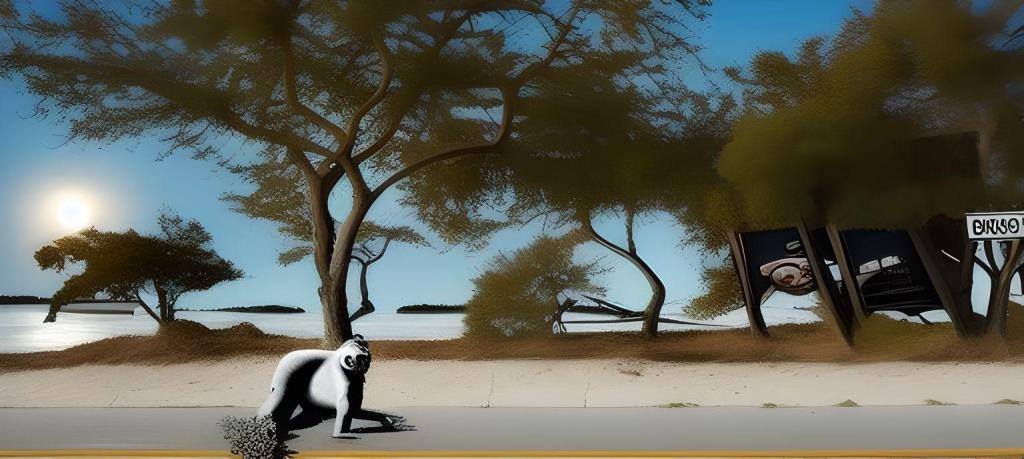
Current artist Banksy pretty much only does street art with a
message. I'm not sure what the message here would be.
Clark Kent
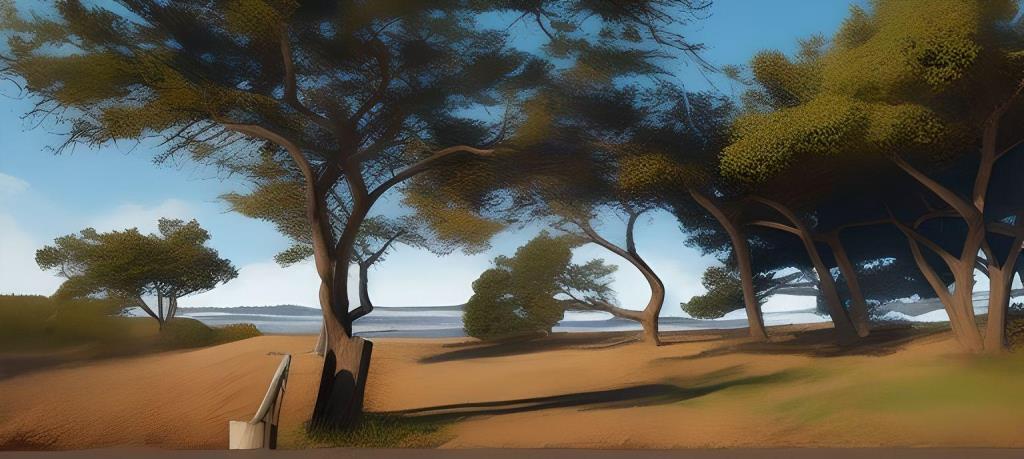
Then I thought, what if I asked it to render the image in the name of
someone who doesn't, in reality, exist? So I asked it to create the
image in the style of Clark Kent
. It's lovely, too, except
we're back to the inconsistent horizon.
6-year-old with crayons
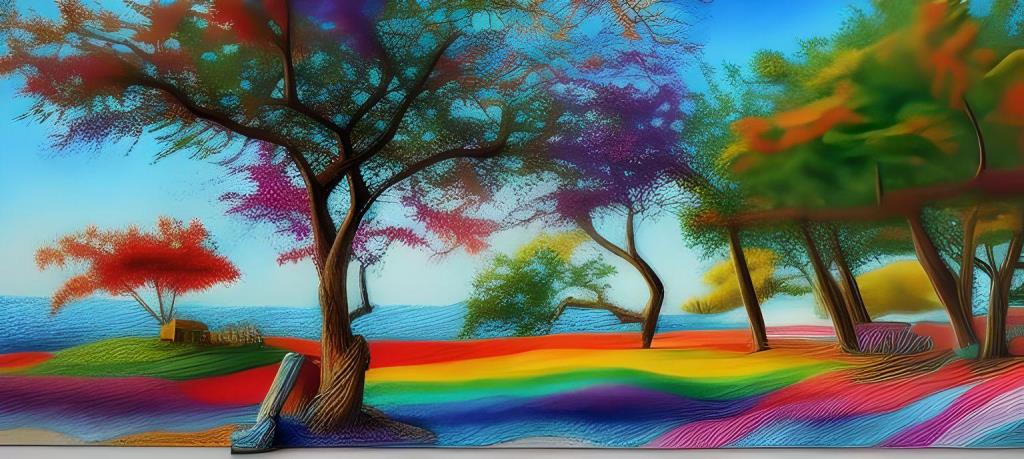
My final experiment was to ask it to create an image as if a
6-year-old made it with crayons.
AI is an art-making tool, just like a paintbrush, a palette, a canvas,
a chisel, or a camera. And, just like those tools, you have to learn
to use it effectively. But, if you practice and experiment and spend hours
at it, you can get as good with it as with any art.
Something to remember: Almost never does AI just hand you an image (or, for
that matter, text) that you can use as is. Personally, I wind up spending
hours tweaking colors, adding and removing elements, and trying this and that
before I get the result I wanted. So, yeah, this is art—and
it's not cheating, any more than using red paint to create an image of a red vase
is cheating. (The painter didn't create the vase in a kiln, did they?
Or invent flowers, or tables, or tablecloths?)
I gotta tell you, though: New tools are fun!