|
|
Posted: 1/15/2016 |
|
Page Views: 1,418 |
| Hashtags: #Computers |
| About the component inside your computer that connects all the parts together. |
| Estimated reading time: 2 minute(s) (328 words) |
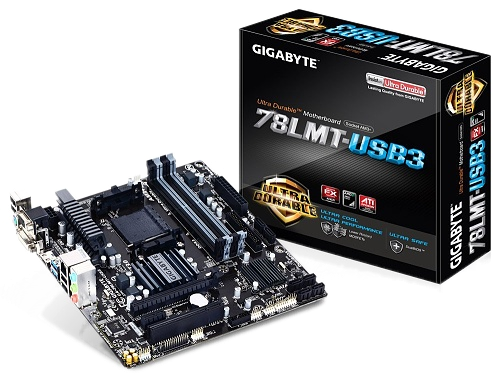
The size of the motherboard indicates whether it will fit in the desired case (a micro-ATX, or mini-ATX, or full-ATX
motherboard will fit in a full ATX case, but a full-ATX motherboard will not fit in a micro-ATX case). It also
determines how many expansion cards, and what kind, can be supported (the case may have more holes for expansion cards than
the motherboard will support). And, finally, it determines the maximum amount of memory the computer can access, in the
form of memory slots. (4 slots that can each take a maximum 8GB memory stick allow 32GB of memory.)
If you are building your own computer, you'll want a motherboard that comes from a reputable manufacturer, such
as ASUS or Gigabyte. And you'd want to pick one that supports your favorite brand of CPU, such as Intel or AMD. (I
prefer AMD.)
Motherboards also have speed. That is, there is an onboard clock; everything a computer does is based on
the ticking of that clock. Each tick does one thing, so the faster the onboard clock ticks, the faster your computer can run,
as long as the CPU and memory you buy can keep up. (Otherwise, the slowest component becomes the bottleneck.)
When Good Motherboards Go Bad
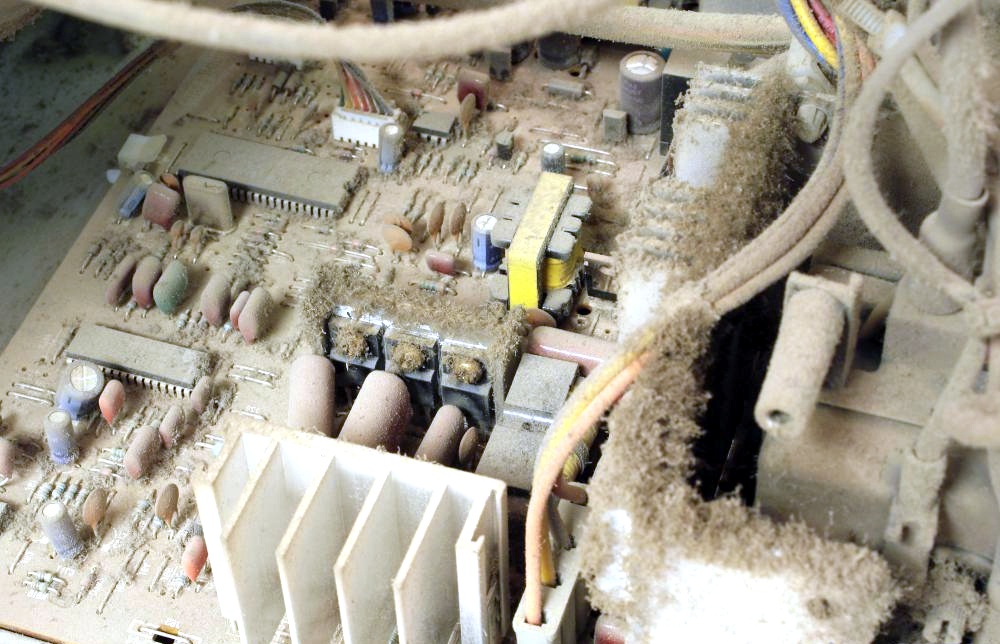
Generally motherboards are fairly stable pieces of equipment. If it works when you get it, it will
probably work forever…unless it gets fried by a voltage surge (lightning?), or drowned by floodwaters, or
baked by excess heat. If your motherboard fails, though, you'll have to get a new one…and don't forget,
you'll probably also need a new CPU and probably new memory. So, new computer.